Certificate Download Guide (2026) for MY Bharat Portal: A Step-by-Step Guide
Completed a quiz, volunteered for an event, or finished your NSS hours on the MY Bharat portal? You’ve earned your certificate! This guide shows you exactly how to download your verified PDF certificate from the official portal and what to do if it’s missing.
Even if you dont know how to register then you can find my bharat portal registration guide here,Free step by step Guide, complete and essential.
Understanding Your MY Bharat Certificates
Before downloading, identify which certificate you are looking for:
- Participation Certificates: For Viksit Bharat Quizzes or VBYLD events.
Step-by-Step Certificate Download Guide
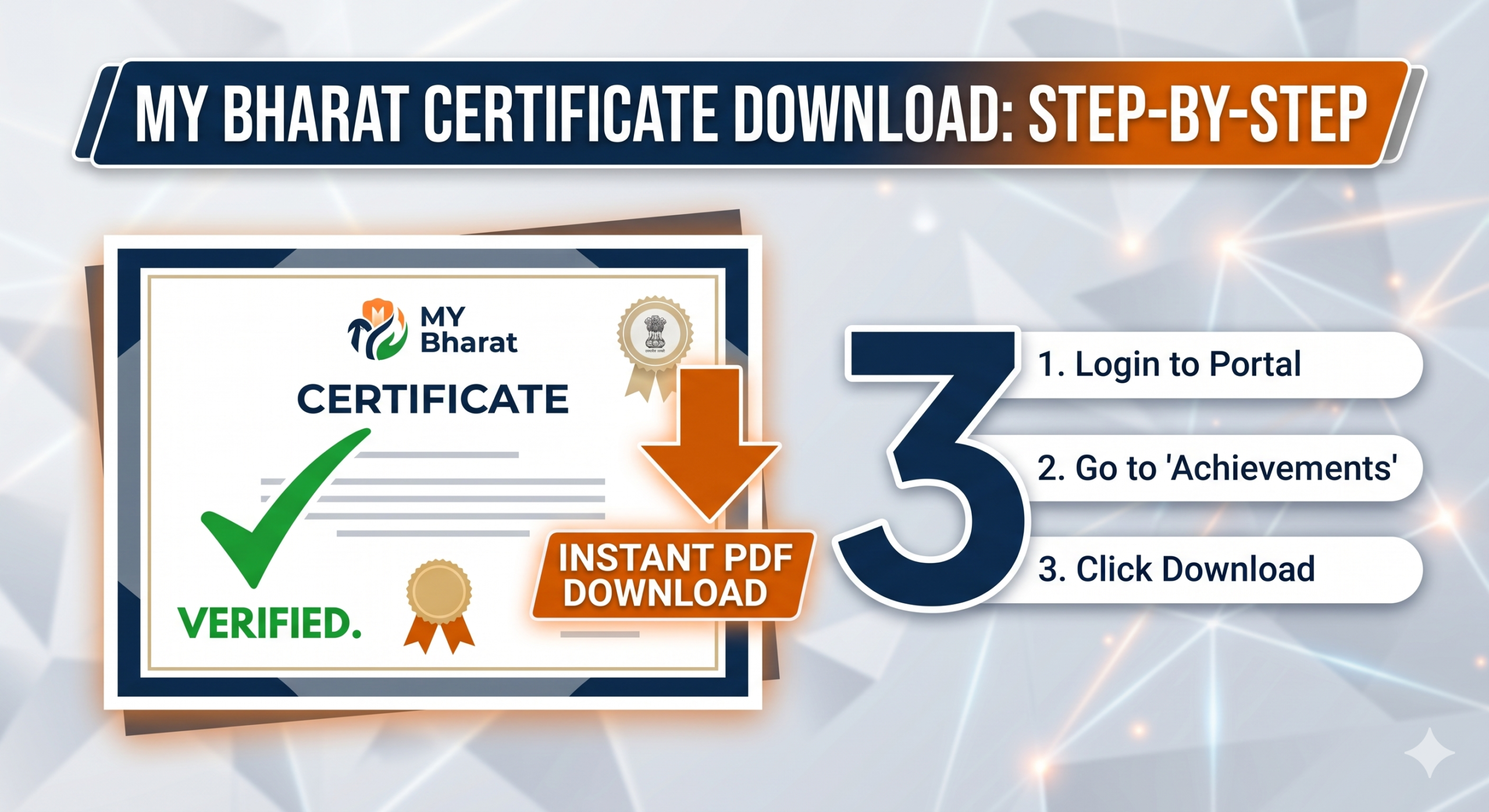
- Login: Visit mybharat.gov.in and enter your mobile number/OTP.
- Open Dashboard: Click on your profile icon or “Dashboard” in the top menu.
- Find Achievements: Look for the “My Achievements” or “Certificates” tab on the left sidebar.
- Click Download: Find your specific event and click the Download (PDF) icon.
💡 Pro Tip: As of 2026, all MY Bharat certificates are also available on the DigiLocker app. Search for ‘Ministry of Youth Affairs‘ in your issued documents.
Certificate Not Showing? Try This
IF your certificate isn’t there, don’t panic. Quiz certificates usually take 48 hours to generate. If you are an NSS volunteer, ensure your programme Officer has approved your hours on the portal.
If you are having trouble logging in, check our guide on Fixing MY Bharat OTP Issues
Earned your certificate? Now use your MY Bharat profile to apply for the PM Internship Scheme ₹9,000 stipend here.