MY Bharat Certificate Download Guide 2026 for MY Bharat Portal: A Step-by-Step Guide
Completed a quiz, volunteered for an event, or finished your NSS hours on the MY Bharat portal? You’ve earned your certificate! This guide shows you exactly how to download your verified PDF certificate from the official portal and what to do if it’s missing. The steps below work for every certificate type on the portal — Viksit Bharat quiz and VBYLD participation certificates, event volunteering certificates and NSS certificates — and they are the same on a phone or a computer, so you can follow along on whichever device you used to take part.
Even if you dont know how to register then you can find my bharat portal registration guide here,Free step by step Guide, complete and essential. You will need an Aadhaar-linked mobile number for the OTP, so keep it active before you start.
Understanding Your MY Bharat Certificates
Before downloading, identify which certificate you are looking for: the portal issues a separate certificate for each quiz, event and NSS activity, and every certificate is filed under the activity it belongs to, not under your profile name.
- Participation Certificates: For Viksit Bharat Quizzes or VBYLD events.
Step-by-Step Certificate Download Guide
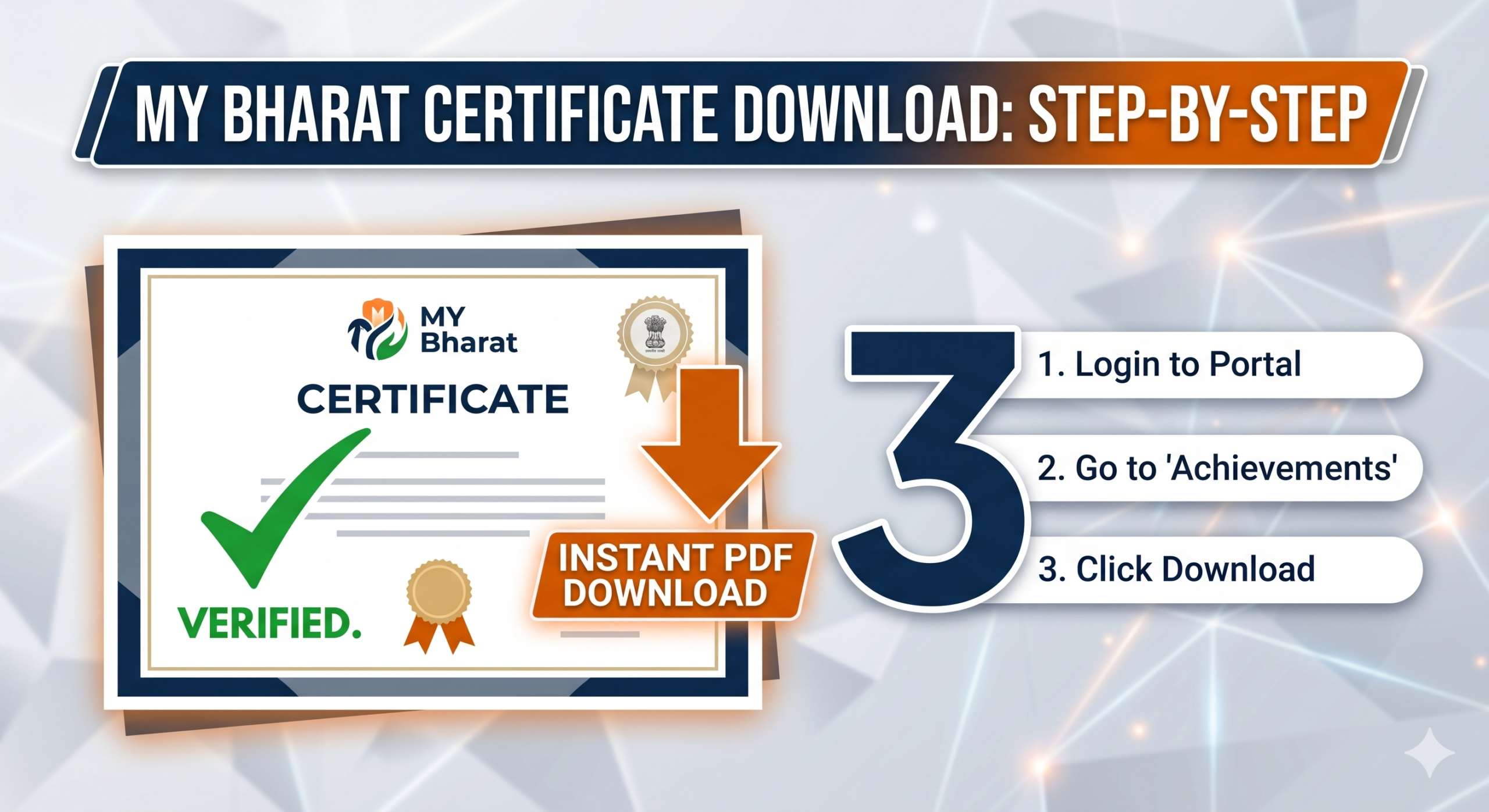
- Login: Visit mybharat.gov.in and enter your mobile number/OTP.
- Open Dashboard: Click on your profile icon or “Dashboard” in the top menu.
- Find Achievements: Look for the “My Achievements” or “Certificates” tab on the left sidebar.
- Click Download: Find your specific event and click the Download (PDF) icon. The PDF opens with your name, the activity name and the date — check all three before you use it anywhere.
💡 Pro Tip: As of 2026, all MY Bharat certificates are also available on the DigiLocker app. Search for ‘Ministry of Youth Affairs‘ in your issued documents. Sign in with your Aadhaar-linked mobile number and open Issued Documents to pull it up any time. Because the copy comes straight from the issuing department, the DigiLocker version counts as a verified document. That matters when you attach your certificate to an internship application, a job form or your college records — the receiver can trust it without asking for the original file.
Certificate Not Showing? Try This
IF your certificate isn’t there, don’t panic. Quiz certificates usually take 48 hours to generate. If you are an NSS volunteer, ensure your programme Officer has approved your hours on the portal. Also check that you are logged in with the same mobile number or MBP ID you used for the activity — certificates are attached to one account, so a second account will always look empty. Event certificates can also wait on the organiser: the event has to be marked complete and your attendance confirmed before the certificate is generated. If the name on your certificate is spelled differently from your registration, that points to the name saved in your profile; fix the profile name first and the next certificate will print correctly.
If everything looks right and a week has passed, log out, clear your browser cache and sign in again — an old cached dashboard is a surprisingly common reason a new certificate does not appear. Still nothing? Raise it with the event organiser or your NSS Programme Officer, who can check your approval status from their side.
If you are having trouble logging in, check our guide on Fixing MY Bharat OTP Issues
Earned your certificate? Now use your MY Bharat profile to apply for the PM Internship Scheme ₹9,000 stipend here. And keep a backup of every PDF you download — save one copy in DigiLocker and one in your email or cloud drive, so your certificates are always at hand when an application deadline is close. Bookmark this certificate download guide so the steps are easy to find again for your next certificate.